![image.webp]](https://support.salutesafety.com/hs-fs/hubfs/image.webp?height=40&name=image.webp)
Instructions
To access Construction Projects:
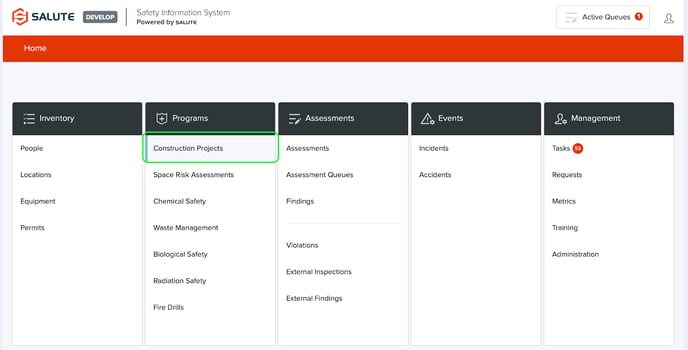
From the Salute Portal landing page, select Construction from the Program modules
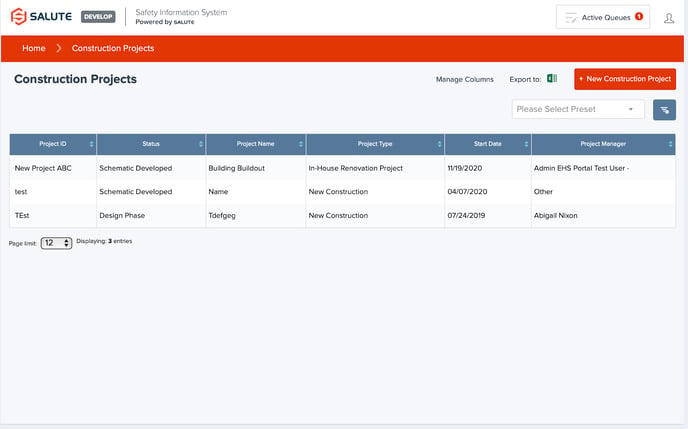
From the Construction Project landing page, you will be able to:
-
Select an individual item to see detailed information
-
Filter the list by selecting a column header (can do multiple filters) to see a select list of items
-
Create a New Construction Project
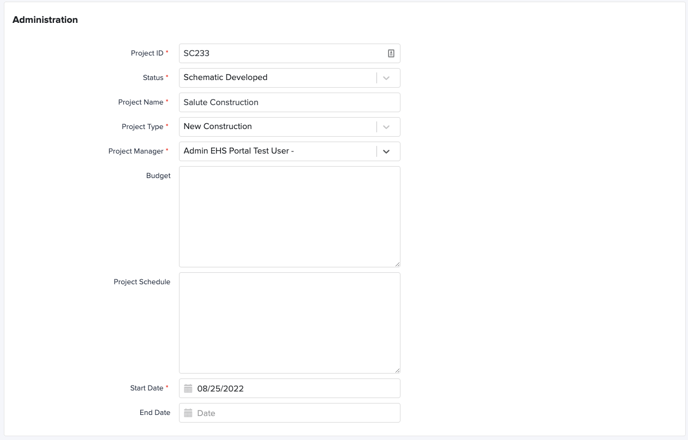
- Administration
- Project ID
- Status: Select from the Dropdown
- Project Name
- Project Type: Select from the Dropdown
- Project Manager
- Budget
- Project Schedule
- Start Date
- End Date
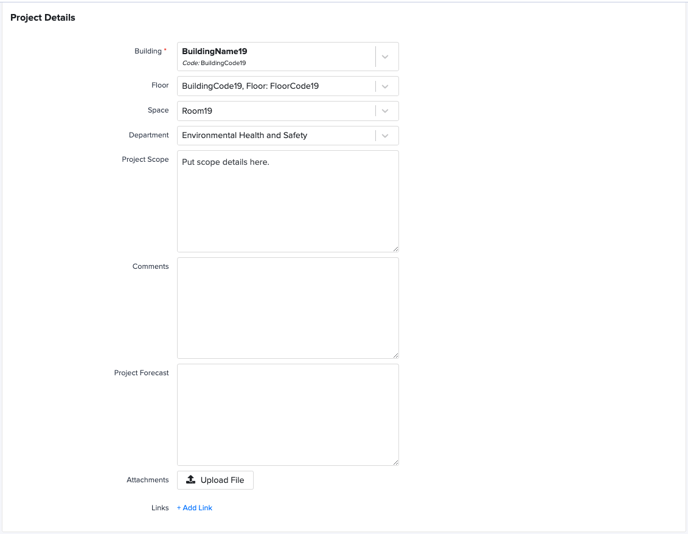
- Project Details
- Building
- Floor
- Space
- Department
- Project Scope
- Comments
- Project Forecast
- Attachments
- Links
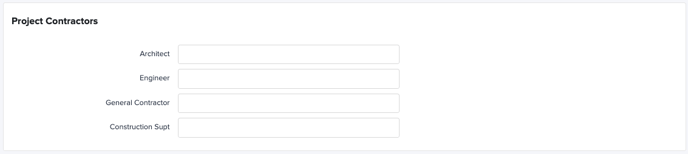
- Project Contractors
- Architect
- Engineer
- General Contractor
- Construction Supt
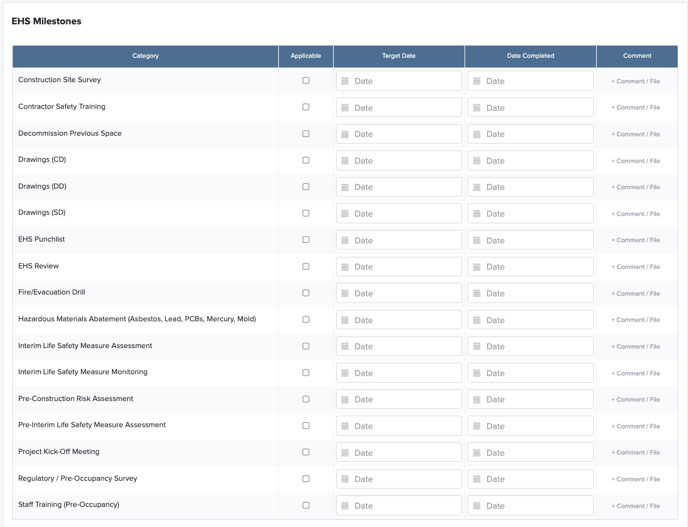
- EHS Milestones: List of relevant safety milestones, including if they are applicable to the specific project, Target Date, Completed Date, and any comments/files/attachments that are relevant to each milestone
- Secondary Locations: Any additional locations linked to the primary Location

For additional information or technical support, contact support@salutesafety.com