![image.webp]](https://support.salutesafety.com/hs-fs/hubfs/image.webp?height=40&name=image.webp)
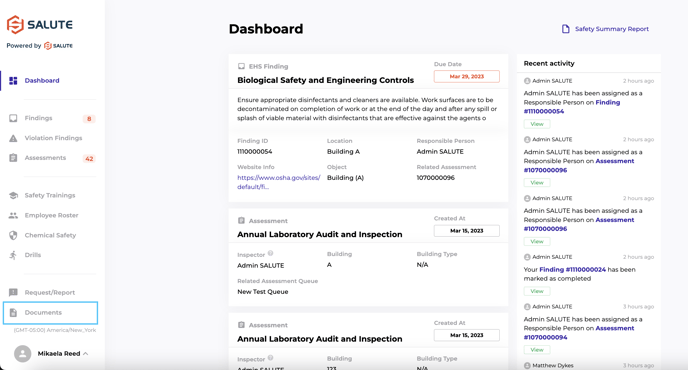
From the homepage of the dashboard, click Documents on the left menu:
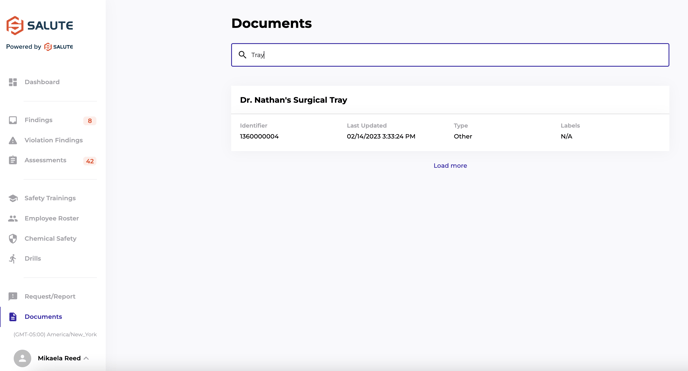
From there, users can see all documents they have access to and, using the search bar, find the necessary document.
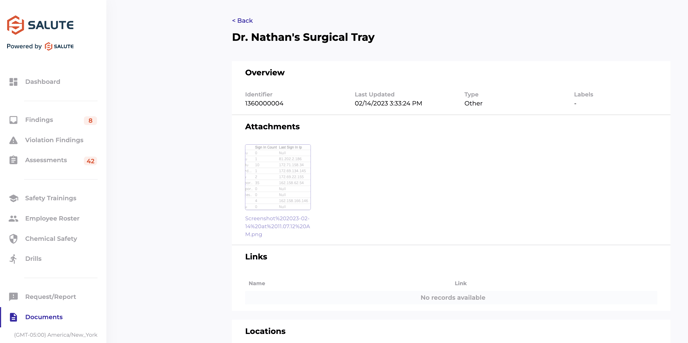
Once the document is open, clicking on the attachment itself will prompt a download. Users can also view any relevant labels, links, and locations associated with that document.